
Importing contacts is a very useful feature that allows you to quickly import contact information stored elsewhere into Google contacts, saving you the time and effort of manually entering each contact’s information.
1. Click the menu of top right, and then click ‘Contacts’

2. Select import contacts

3. Click the “Select File” button and choose the CSV file containing the contact information you want to import.

4. CSV file should at least have “name” and “email” fields

5. Once you have completed these steps, the contact information will be uploaded to Google contacts and you can use these contacts directly in Gmail.

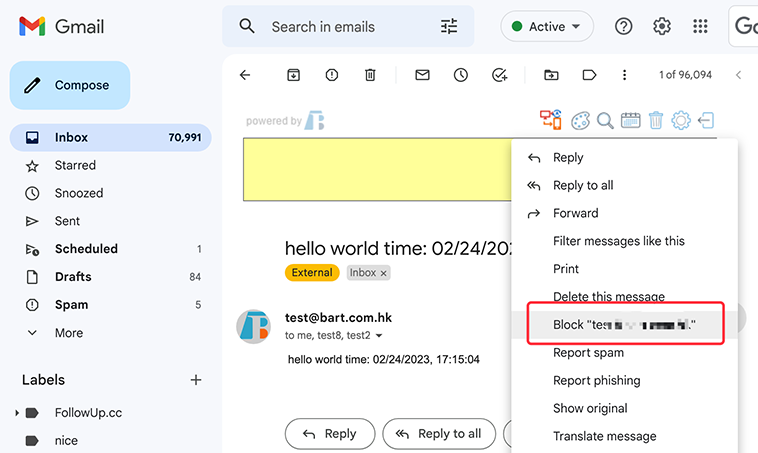
If you’re also plagued by spam, here are 8 ways to help you clean up your inbox
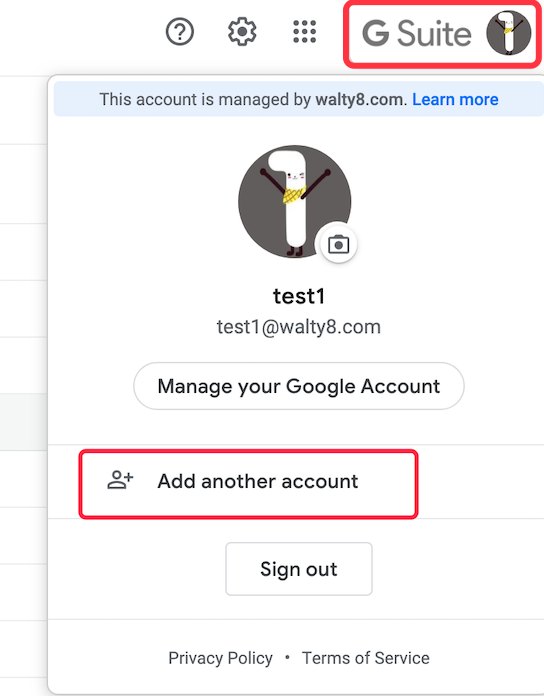
Switch betwen various Gmail users quickly, without typing password every time.
Log into aother Gmail account, that you owned, without typing password every time.
 Translate