
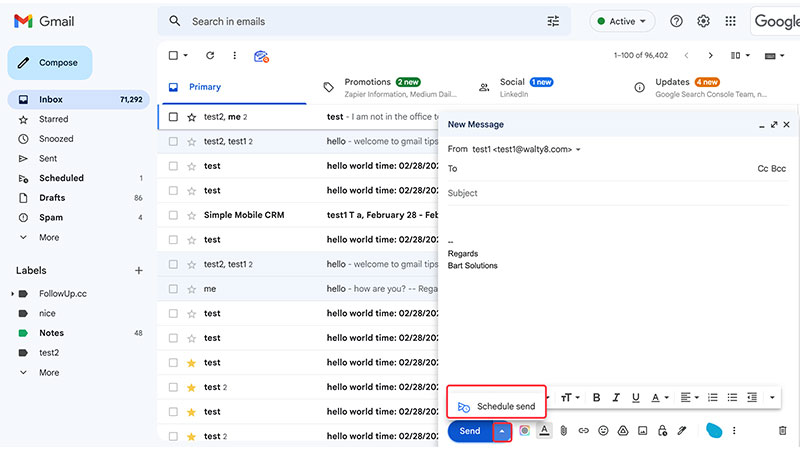
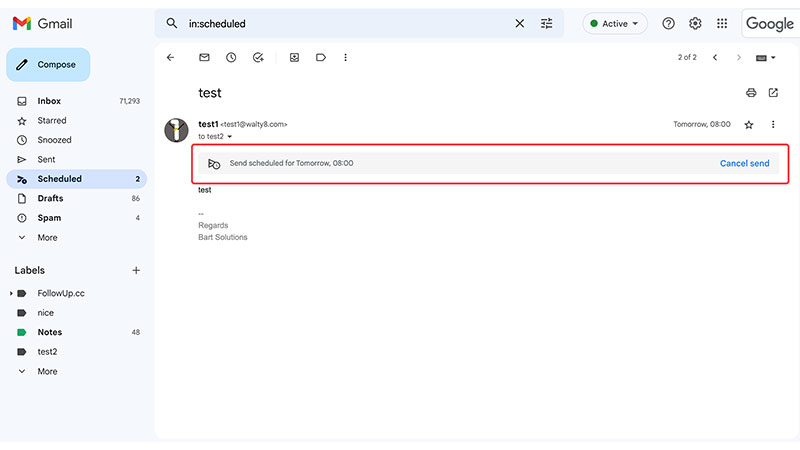
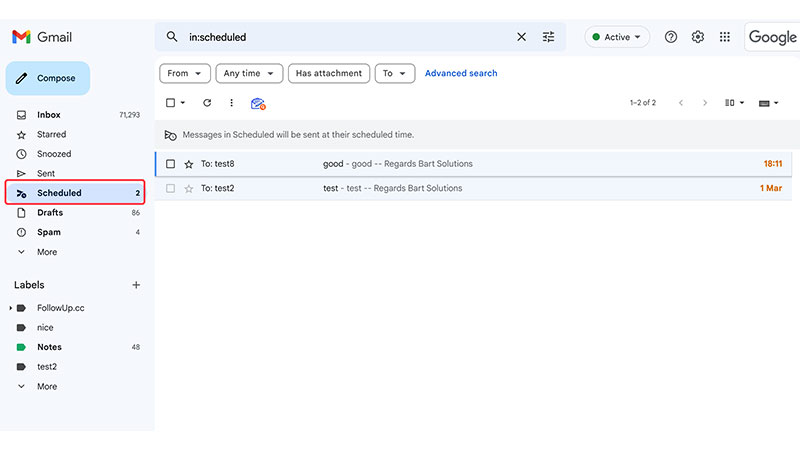
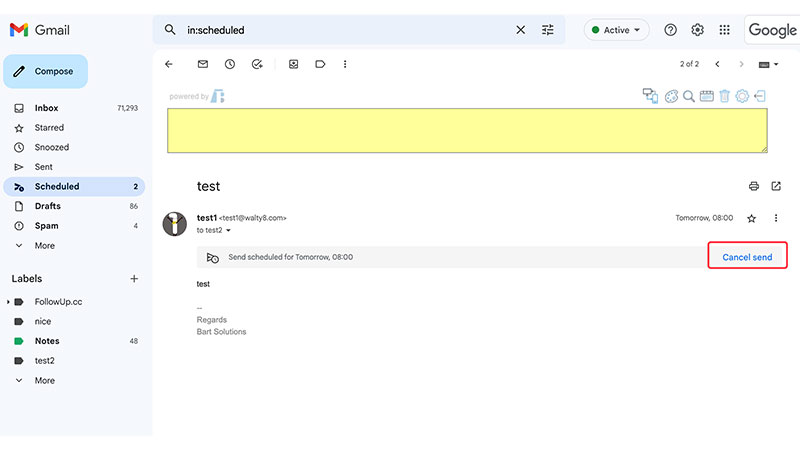
Scheduling an email in Gmail is a useful feature for those who want to plan their communication in advance or for those who want to send emails to recipients in different time zones. It allows you to schedule an email to be sent at a later date and time of your choosing.


For those emails from somebody, you may want to star them automatically.
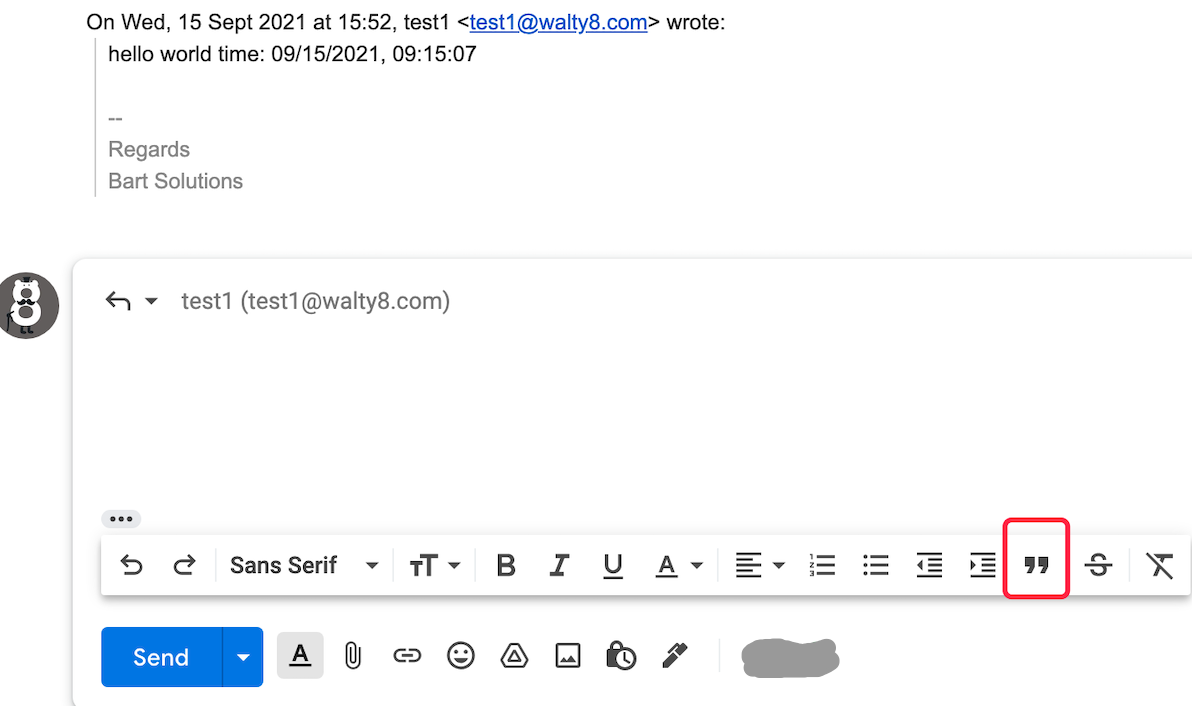
If you want to respond to multiple points within a previous email, you can easily do so by using the “quote” feature.
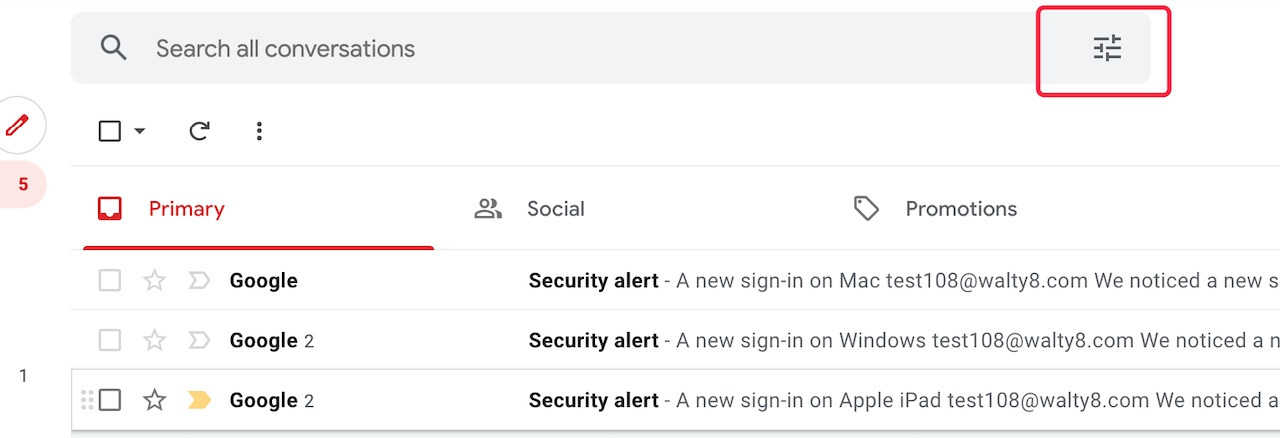
You may remove those messages using the most memory and free up a lot of space in your Gmail account.
 Translate