
There are many search operators that you can use in Gmail to help you find specific emails or messages more easily.
1. If you want to find emails that were sent by a specific person, you can use the “from:” operator. For example, if you type “from:Annie” into the search bar, it will show you all the emails that Annie has written to you.


5. If you want to find chat messages from Google Chat, you can use the “is:” operator. For example, if you type “is:chat” into the search bar, it will show you all the chat messages that you have exchanged using Google Chat.

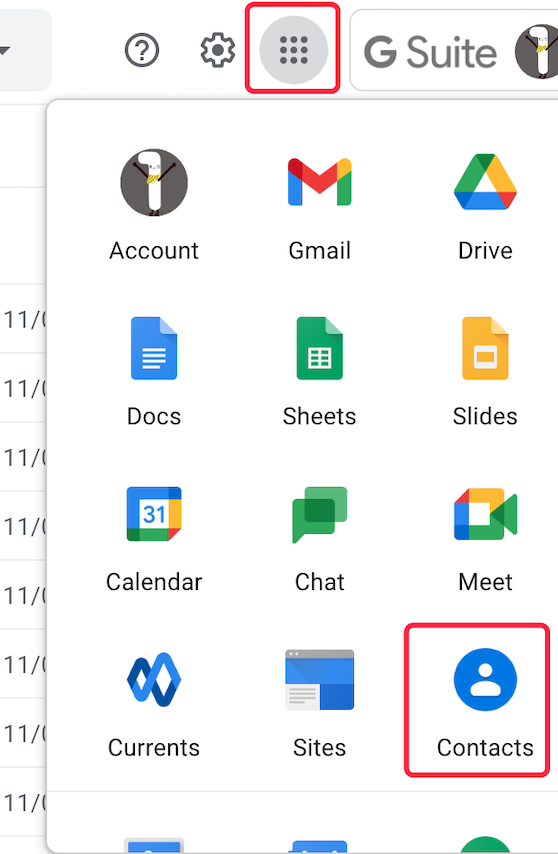
Bulk import contacts into your Gmail / Google account
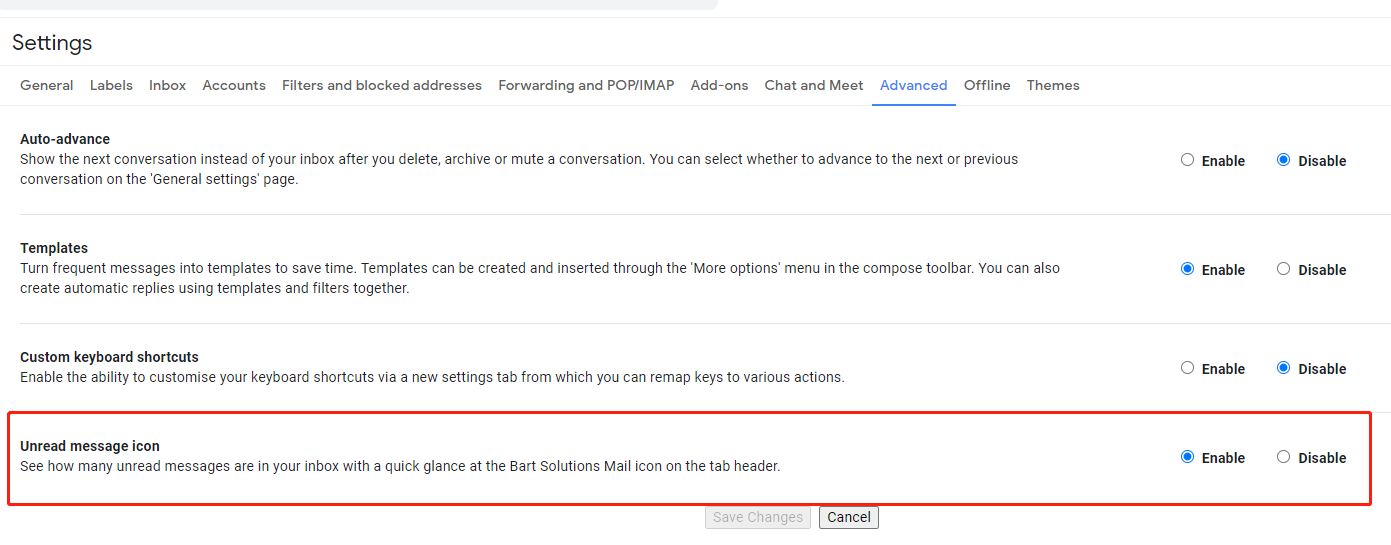
View the total unread count without clicking the Gmail tab.
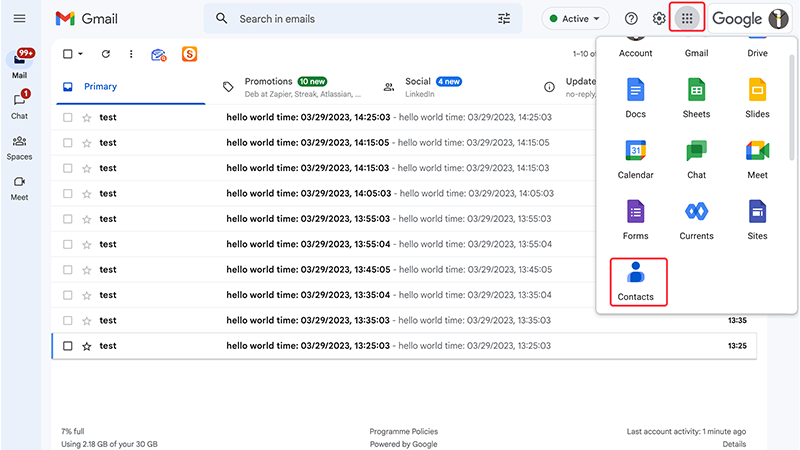
Creating an email group in Gmail allows you to quickly send emails to a group of people without having to manually enter each recipient’s email address one by one.
 Translate