
Why should relevant emails be displayed in a conversation thread?
To facilitate tracking of discussion process: Displaying relevant emails in a conversation thread allows users to clearly understand the overall process of the discussion, avoiding long reading times and difficulties in tracking.


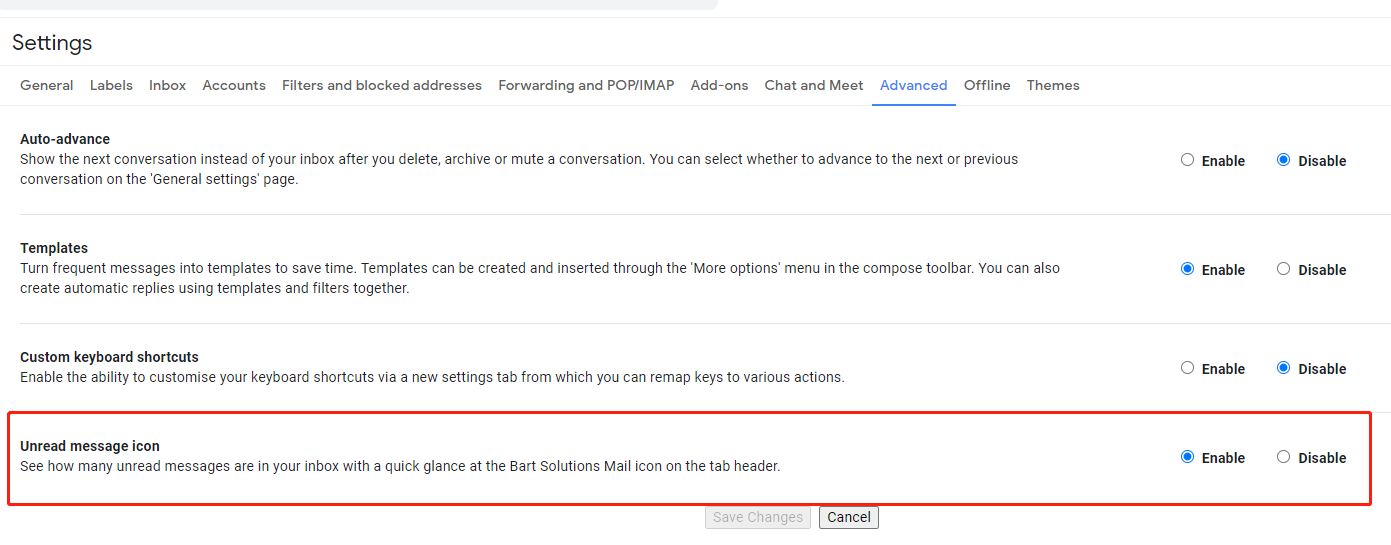
View the total unread count without clicking the Gmail tab.
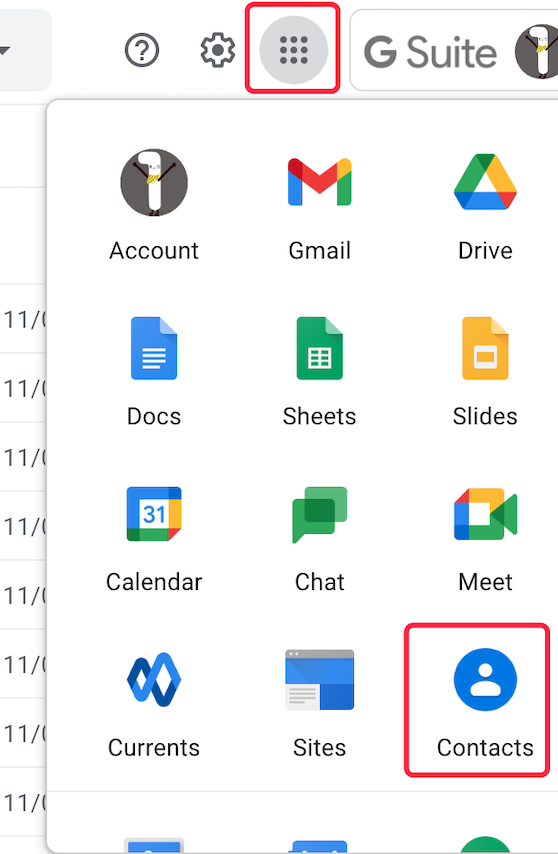
Bulk import contacts into your Gmail / Google account
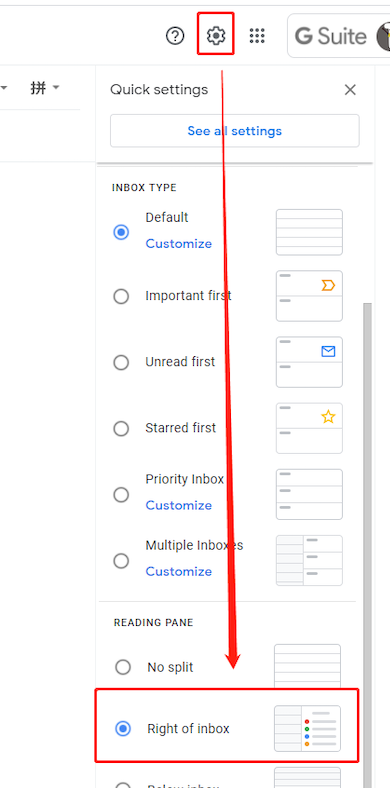
Always show the email list at the screen, even when you are reading the email content.
 Translate