
Email templates can be a useful tool for saving time and ensuring consistent messaging in your communication. Whether you’re a small business owner, a freelancer, or simply someone who frequently sends emails, creating email templates in Gmail can be a great way to streamline your email communication.
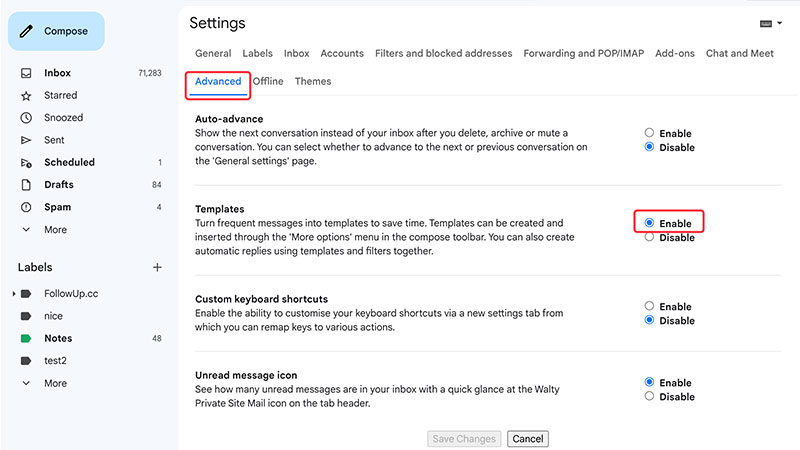
1. Go to the Advanced tab of your Gmail settings.


MIT Technology Review found that nearly 80% of Americans are reading email on their smartphones, so here’s how to mark multiple emails as read on mobile.
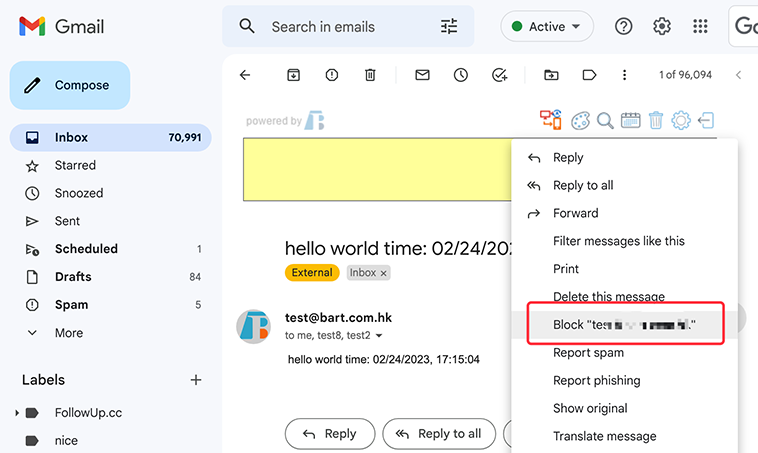
If you’re also plagued by spam, here are 8 ways to help you clean up your inbox
The responses for some questions are exactly the same, every single time.
 Translate