
Filtering emails in Gmail is a useful feature that allows you to automatically categorize, label, and perform actions on specific types of emails. This can save you time and help you stay organized by automatically routing emails that meet certain criteria to designated folders or labels.


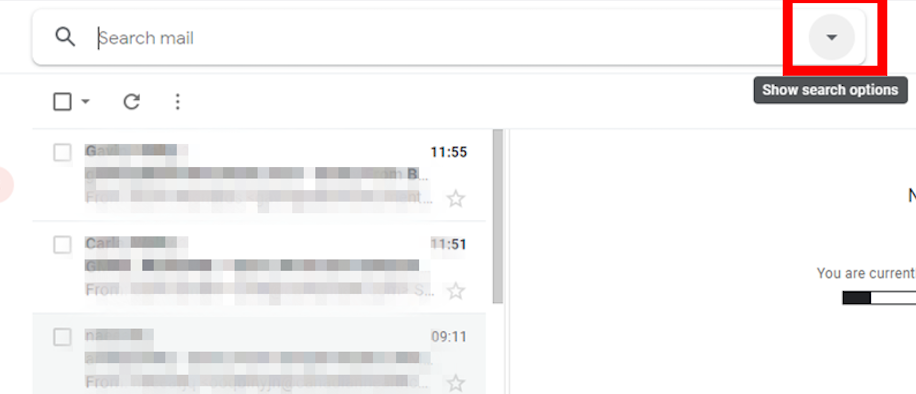
Sometimes you don’t remember the email title, but you know the email has attachments.
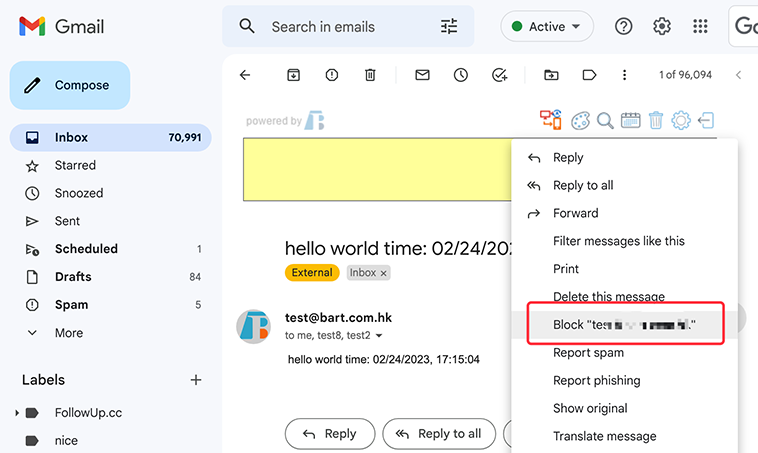
If you’re also plagued by spam, here are 8 ways to help you clean up your inbox
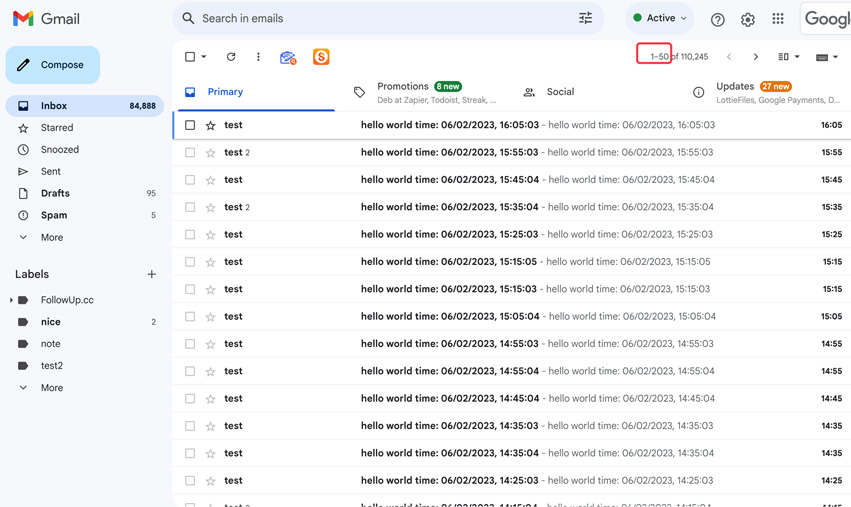
Customizing the email display quantity based on personal preferences and work requirements can provide a user experience that better meets your needs.
 Translate