
Do you have many emails in your inbox that you don’t want to read? You no longer want to see these messages. In this article, you will learn how to block these emails on Gmail. Don’t let unwanted emails clutter your inbox.
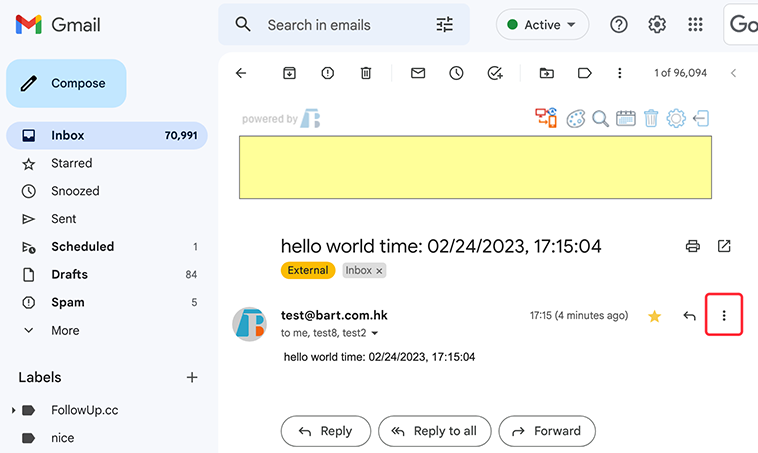
1. First, open your Gmail account and navigate to the email that you want to block. Next, click on the ‘More’ icon, which is typically located in the top right corner of the email. This will bring up a menu of options.


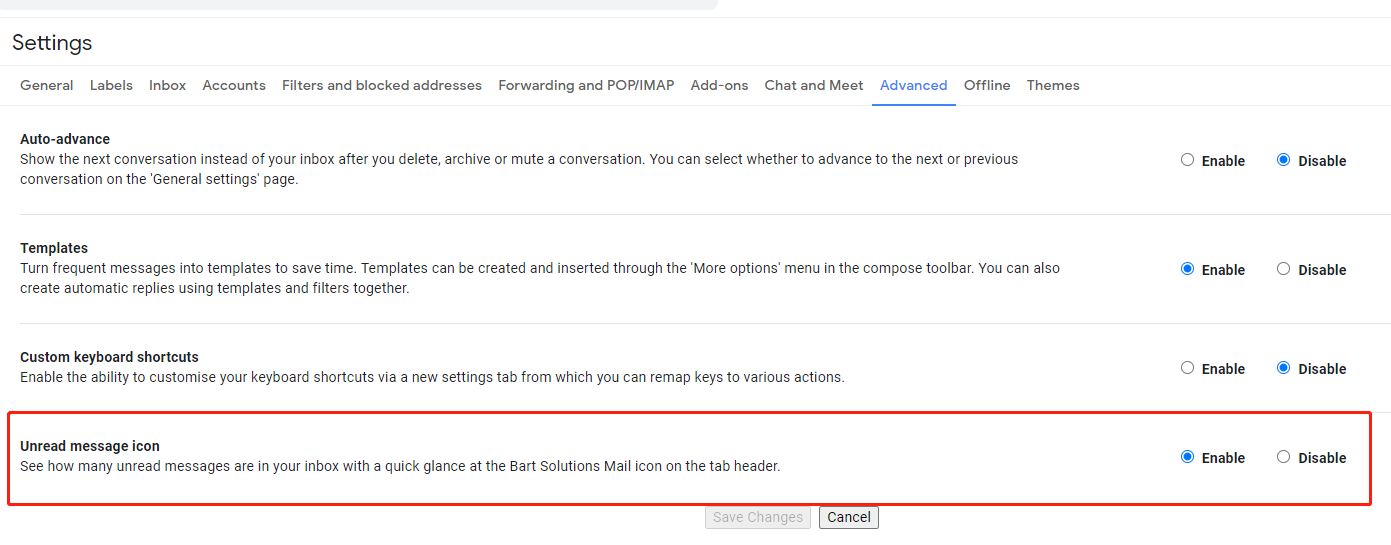
View the total unread count without clicking the Gmail tab.
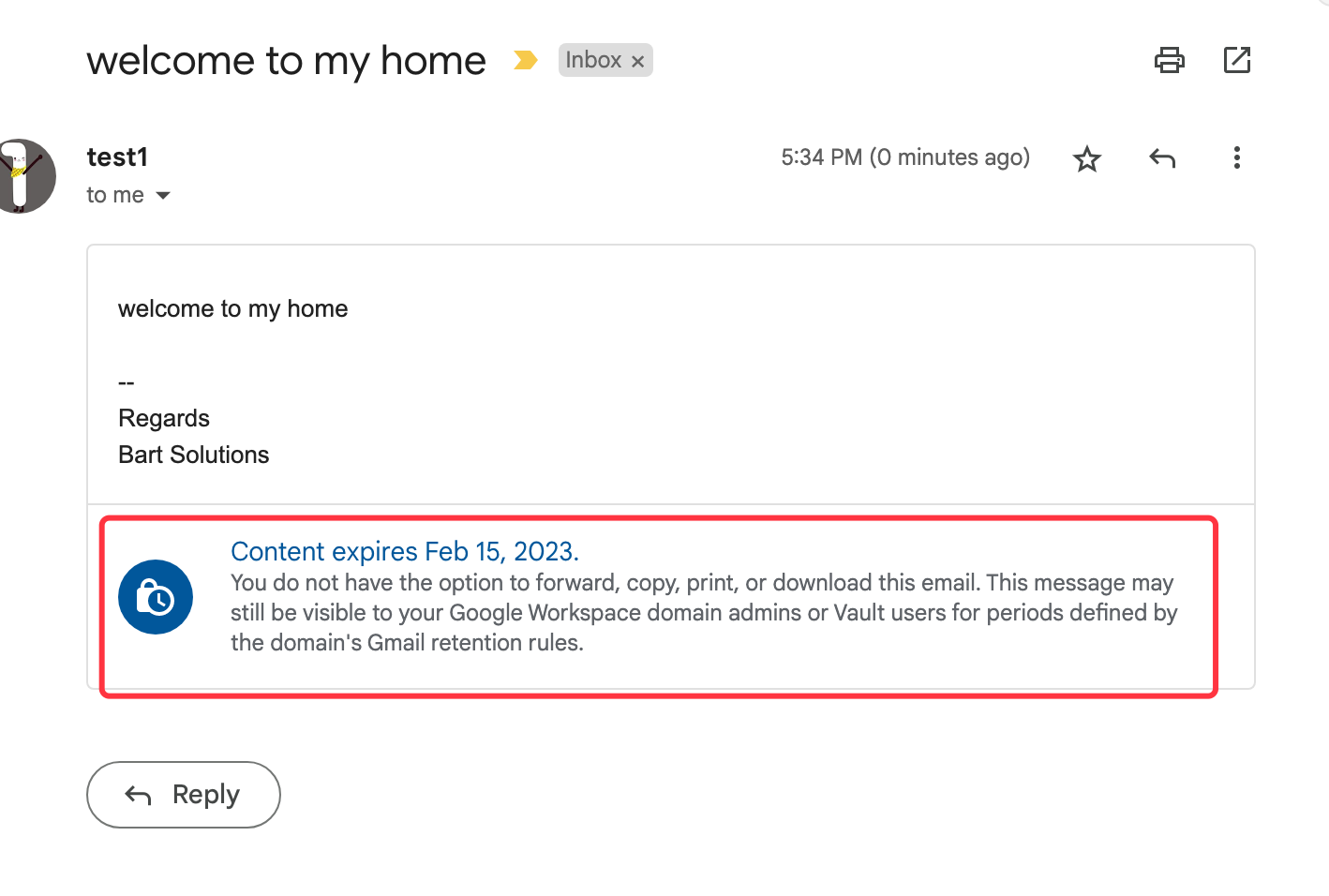
Once you’ve composed your email, click the clock icon at the bottom right-hand corner of the message, and then set an expiry date.
 Translate